
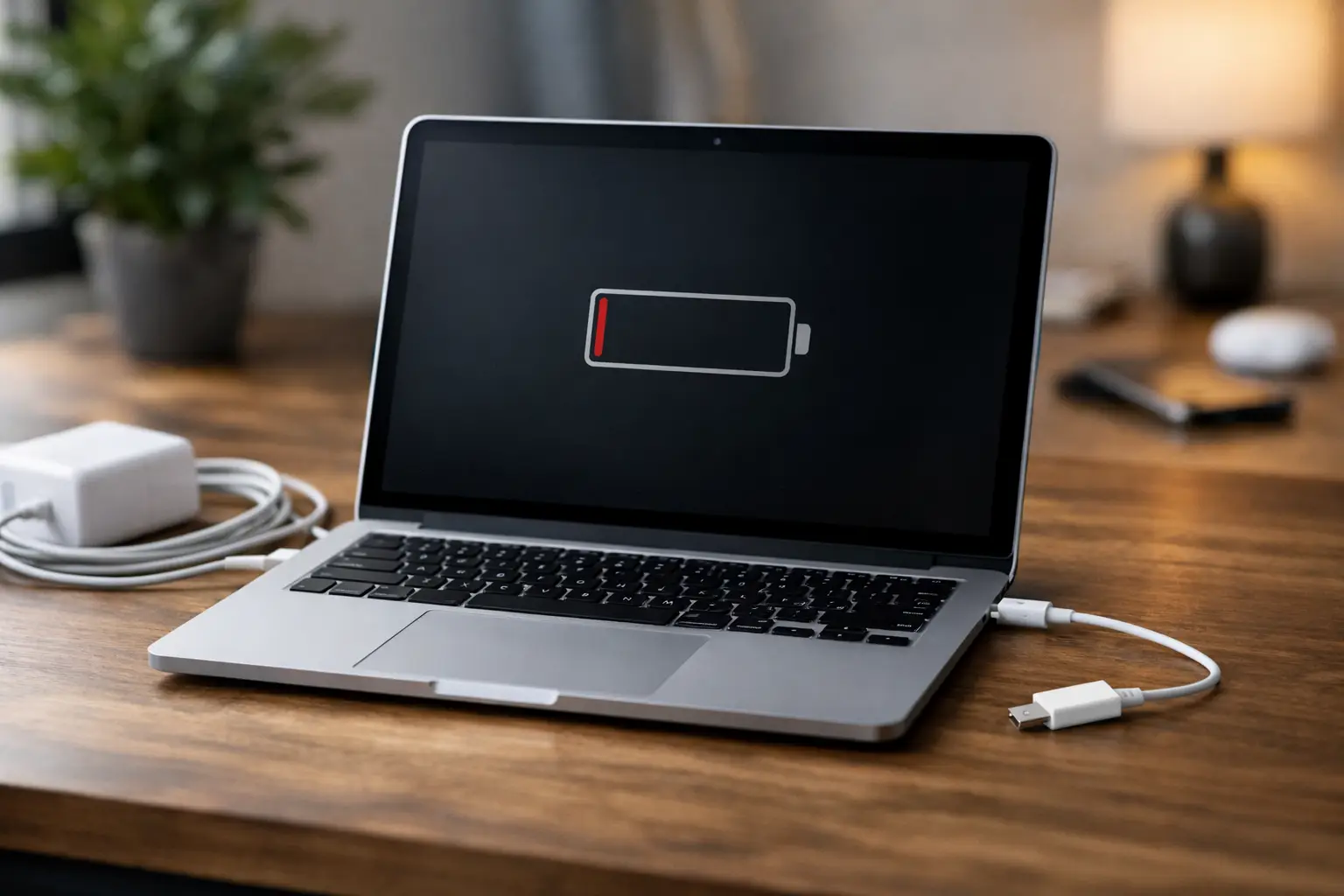
Your MacBook battery is at 3%, you plug it in, and nothing happens. That is usually when the real question starts – why is MacBook not charging, and is this a simple fix or a sign of hardware trouble? In many cases, the cause is smaller than people expect. In other cases, waiting too long can turn a charging issue into a battery, port, or motherboard repair.
The good news is that MacBook charging problems often leave clues. The charger may connect loosely, the battery icon may say Not Charging, the Mac may charge only at certain angles, or it may work with one adapter but not another. Those details matter because they point to very different faults.
Why is MacBook not charging even when plugged in?
A MacBook can stop charging for several reasons, and not all of them mean the battery is dead. Sometimes the issue is the charging adapter, cable, or USB-C port. Sometimes macOS is limiting charging to protect battery health. And sometimes the problem is internal, such as a worn battery, liquid damage, or a fault on the charging circuit.
The first thing to understand is that “not charging” does not always mean “not receiving power.” If your MacBook turns on when plugged in but the battery percentage stays flat, the charger may be underpowered, the battery may be degraded, or the system may be intentionally pausing charging. If the MacBook does not respond at all, the issue is more likely tied to the charger, port, battery connection, or motherboard.
Start with the charger and cable
This is the most common place to look, and it is often the fastest to rule out. Apple chargers and USB-C cables can fail gradually. A cable may look fine from the outside but have internal damage from bending, pulling, or heat. Adapters can also weaken over time, especially if they are used heavily for work, travel, or shared between devices.
Check whether the cable is firmly seated on both ends. If your MacBook uses MagSafe, look for dirt or metal debris on the connector. If it uses USB-C, inspect the plug for bent edges, fraying, or heat marks. A charger that feels unusually hot, smells burnt, or works only in certain positions should not be trusted.
Power rating also matters. Some users plug in a lower-watt charger meant for a phone, tablet, or smaller laptop. The MacBook may recognize it but still fail to charge properly, especially during heavy use. If the battery drains while plugged in, the adapter may be too weak rather than completely dead.
Check the charging port for dust or damage
A blocked or damaged charging port is another frequent reason behind the question, why is MacBook not charging? USB-C ports collect dust, lint, and small debris more easily than most people realize. Even a small buildup can stop the connector from seating fully.
Look inside the port under good lighting. If you see compacted dust, do not force the cable in deeper. That can damage the internal pins. A loose connection, wobbling plug, or charging that starts and stops with slight movement often points to port wear or internal damage.
If your MacBook has multiple USB-C ports, test more than one. If only one port fails, the problem may be isolated to that port. If none of them work, the issue is more likely the charger, battery, or logic board.
Battery health can be the real problem
MacBook batteries do not fail all at once every time. They often degrade first. You may notice slow charging, random shutdowns, overheating, or battery percentage jumping unexpectedly. In those cases, the charger is doing its job, but the battery is no longer able to accept or hold power correctly.
A battery that has reached the end of its service life may show warning signs in system settings, but not always. Some MacBooks still appear normal until the battery swelling or charging instability becomes obvious. If the laptop works on direct power but shuts off quickly when unplugged, battery failure moves much higher on the list.
There is a trade-off here. Some users keep using an aging battery because the MacBook still turns on. That can work for a while, but it usually leads to more downtime later. A failing battery can affect performance, charging behavior, and in some cases put pressure on the trackpad or internal components.
macOS may say Not Charging for a normal reason
Not every charging pause is a fault. Apple includes battery management features that sometimes stop charging at 80% or temporarily show Not Charging to preserve battery health. This is common on newer MacBooks and can confuse users into thinking the charger has failed.
If the MacBook is plugged in, working normally, and battery percentage is stable around 80%, the system may be managing heat and battery aging. This is more likely when the laptop is used on a desk for long hours every day. It is designed to reduce wear, not signal a defect.
Still, context matters. If you see Not Charging at 20%, 30%, or with rapid battery drain, that is different. In that case, the message is not likely just battery optimization. It may point to an underpowered adapter, high heat, software conflict, or hardware issue.
Heat can interrupt charging
MacBooks protect themselves when temperatures rise too high. If the device is running hot from gaming, video editing, charging in a hot room, or direct sun exposure, charging may slow down or pause. This is a protection measure, but for the user it feels like a fault.
If your MacBook is warm to the touch, let it cool down and try charging again with minimal apps running. Remove heavy accessories and avoid soft surfaces that trap heat. If the issue happens often, dust in the cooling system or battery stress may be part of the problem.
Software glitches are possible, but less common
Sometimes the charging issue is tied to system behavior rather than broken hardware. A restart can help. On some Intel-based MacBooks, resetting the SMC used to resolve power-related problems. On Apple silicon models, a standard shutdown and restart handles many of those same functions automatically.
Software fixes are worth trying because they are quick, but they should not become a way to ignore a repeating hardware symptom. If the MacBook charges after a restart but fails again later, that pattern still needs attention.
When the issue is more serious
If you have tried a known-good charger, checked the ports, restarted the device, and the MacBook still does not charge, the problem may be internal. This is where professional diagnosis saves time. Charging faults inside a MacBook can involve the battery connector, USB-C charging IC, power rail damage, corrosion from liquid exposure, or logic board failure.
These issues are not always visible from the outside. A laptop can look clean and undamaged but still have internal board damage from a minor spill, power surge, or long-term heat. One sign is when the MacBook charges intermittently, draws power but does not increase battery percentage, or stays completely dead despite a working charger.
This is also the stage where DIY attempts can make things worse. Replacing parts without proper testing often leads to extra cost because the wrong part gets blamed first. A bad battery and a bad charging circuit can look similar to the average user, but the repair path is very different.
What to do before booking a repair
Before you assume the worst, test with another original or high-quality charger that matches the correct wattage. Try a different outlet. Test all charging ports. Restart the MacBook. Let it cool down if it feels hot. If possible, check battery status in system settings.
If none of that changes the behavior, stop forcing the charger or repeatedly reconnecting it. That usually does not solve the issue and can wear the port further. At that point, the smartest move is a proper inspection.
For users in Doha who need a fast answer without losing half the day traveling around, Bayt Al Tech can check MacBook charging faults, battery issues, and port-level problems with expert support and convenient service. That matters when your laptop is tied to work, study, meetings, or family use and waiting is not really an option.
Why fast diagnosis matters
Charging issues have a habit of looking minor right before they become urgent. Today the MacBook charges only at one angle. Tomorrow it stops completely. A weak battery can turn into swelling. A damaged port can strain the charger. A board-level fault can worsen if power flow becomes unstable.
That is why speed matters as much as accuracy. The goal is not just to get the battery icon moving again. It is to catch the real cause early, use the right parts, and avoid bigger repairs later.
If your MacBook is not charging, trust the pattern you are seeing. A one-time pause can be normal. A repeated failure is not. The sooner you check it, the easier it usually is to get your device back to normal and your day back on track.


