
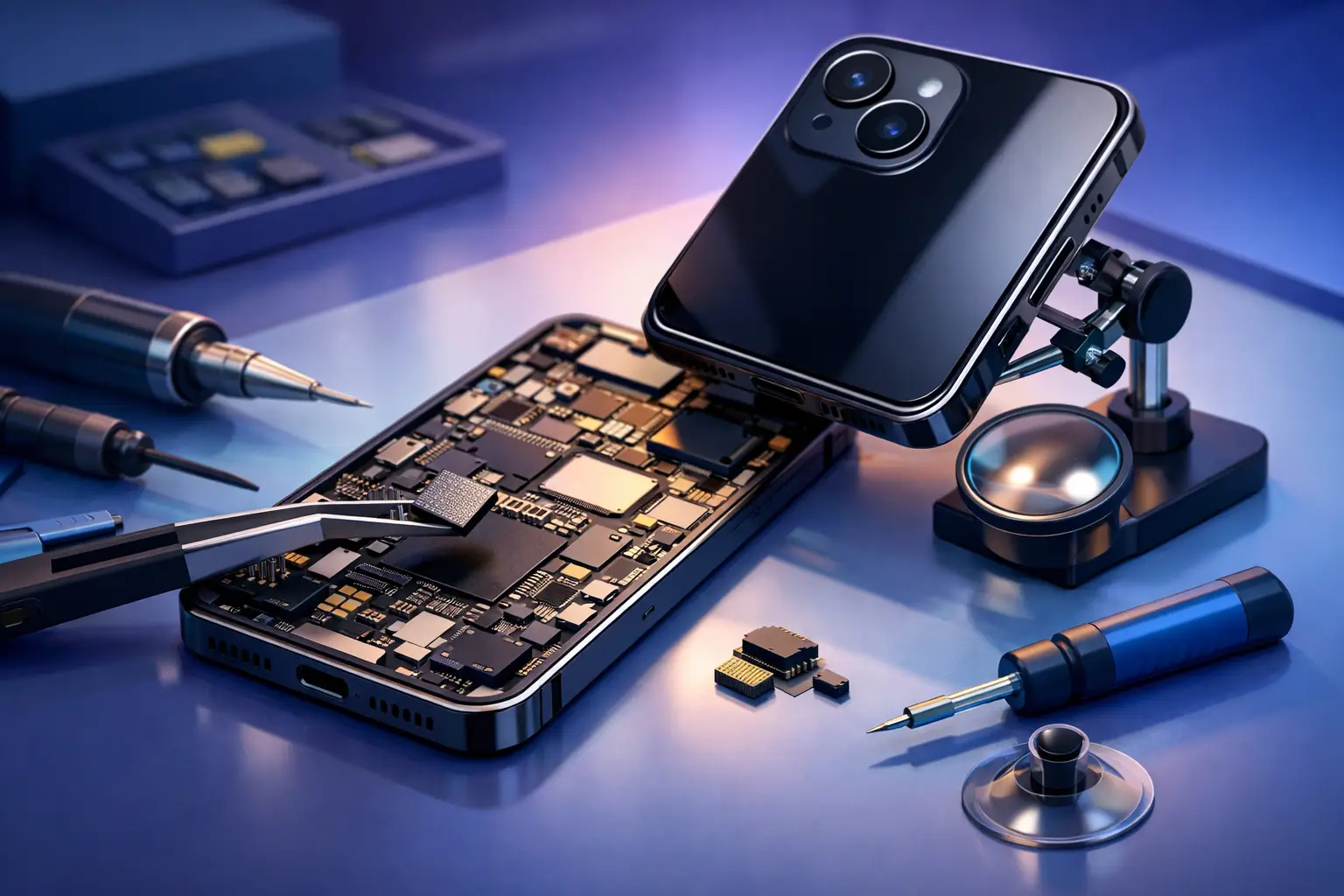
When your iPhone stops charging, loses signal, overheats, or stays stuck on the Apple logo, the problem is not always the screen, battery, or charging port. In many cases, iphone motherboard repair is the real fix. That matters because the motherboard is the main board inside the phone. It connects and controls the parts your device needs to power on, charge properly, connect to Wi-Fi, and store important data.
For most people, motherboard problems feel confusing because the symptoms often look like something simpler. A phone may restart randomly, fail to detect the SIM card, show no touch response, or refuse to boot after a drop or liquid exposure. These issues can waste time if they are treated as basic part replacements. The right diagnosis saves both money and device downtime.
What is iPhone motherboard repair?
An iPhone motherboard repair is the process of diagnosing and fixing faults on the phone’s main logic board. This is the most technical part of the device. It includes tiny components, power lines, connection points, and integrated chips that manage charging, audio, display output, wireless communication, and much more.
Unlike a standard screen or battery replacement, this kind of repair does not mean swapping one visible part and closing the phone. It often involves detailed testing, board-level work, microscope inspection, and soldering on very small components. That is why experience matters. A rushed repair or wrong diagnosis can turn a repairable phone into a dead one.
Common signs you may need iphone motherboard repair
Some motherboard faults are obvious. Others look like battery, charging, or software problems. If your iPhone shows one or more of these symptoms, board-level repair may be needed.
The phone does not power on
If the device stays completely dead even after trying a known good charger and battery, the fault may be on the board. This can happen after a hard drop, power surge, or liquid damage.
Charging works on and off
Intermittent charging is not always a bad port. In some cases, the charging circuit on the motherboard is damaged. The phone may charge only at a certain angle, charge very slowly, or get hot during charging.
No network, Wi-Fi, or Bluetooth
When the device cannot maintain a signal, shows grayed-out Wi-Fi, or has constant Bluetooth issues, the fault may be linked to board-level components rather than a software setting.
Stuck on boot or restarting repeatedly
A boot loop can come from software, but it can also point to a board problem. This is especially true if the phone started acting this way after impact, liquid exposure, or a previous low-quality repair.
Touch, audio, or camera problems without obvious part damage
If the screen, speaker, or camera has been replaced and the problem remains, the motherboard may not be sending or receiving the right signals.
Why motherboard problems happen
Motherboard damage usually comes from one of a few common causes. Physical drops are a big one. Even if the screen survives, internal connections can break. Liquid exposure is another major cause because corrosion can spread across tiny components and lead to delayed failure.
Poor-quality previous repairs also create problems. A device that has been opened by an untrained technician may have torn pads, heat damage, missing shields, or unstable solder joints. Power issues from fake chargers or charging with damaged accessories can also affect charging circuits over time.
Sometimes the phone simply develops a component failure with age and heat. Not every motherboard problem means the device was badly treated. Electronics wear down, especially on phones used heavily every day for work, calls, maps, social apps, and mobile banking.
The repair process: what a good service should do
A proper motherboard repair starts with diagnosis, not guessing. The phone should be tested carefully to identify whether the fault is really on the board and which section is causing the issue. This matters because symptoms overlap. A dead phone could be a battery, charging port, display issue, or logic board fault.
After diagnosis, the technician checks whether the board is repairable and whether the repair makes financial sense. Some faults are straightforward for an experienced board technician. Others depend on the device model, the extent of corrosion, and whether key layers or chips are damaged.
The actual repair may involve replacing failed components, restoring damaged lines, cleaning corrosion, or reworking specific sections of the board. Once completed, the device should go through full testing for charging, power, touch, audio, camera, network, and general stability.
That last step is where quality shows. A phone that powers on is not automatically a successful repair. It needs to work normally in daily use.
Is iPhone motherboard repair worth it?
It depends on the model, the issue, and what is stored on the device. If you have a newer iPhone, repair is often worth it because replacement cost is much higher. If the phone contains valuable photos, business chats, notes, or app data, repair may also be worth it just for recovery.
For an older device, the decision is more practical. If the repair cost gets too close to the phone’s value, replacement may make more sense. Still, many people prefer repair because it avoids data loss and gets them back to normal faster.
There is also a convenience factor. Replacing a phone is not just about buying another one. You still need to transfer data, sign back into apps, reset banking tools, and reconnect accessories. For busy users, repairing the current phone can be the easier path.
Risks of choosing the wrong repair shop
Motherboard work is not a beginner job. Choosing a shop based only on the cheapest price can backfire. A board can be damaged by excess heat, poor soldering, misdiagnosis, or careless handling during opening and reassembly.
A trustworthy service should be clear about what can and cannot be guaranteed. Some board issues are repairable with high success rates. Others are less predictable, especially after severe liquid damage. Honest communication matters more than unrealistic promises.
This is where a convenience-first service model also helps. If your phone is essential for work or family use, fast diagnosis and at-location support reduce stress. Bayt Al Tech focuses on exactly that combination – trained technicians, quick response, and repair support that fits around your schedule instead of forcing you to waste time traveling and waiting.
How to protect your data before repair
If your phone still turns on, back it up before sending it for service. Save photos, contacts, app data, and anything else you cannot afford to lose. If the device is completely dead, tell the technician if data recovery is part of your priority.
This changes the repair approach. In some cases, the goal is full long-term repair. In others, the goal is temporary recovery so you can access and save your files. A good technician should know the difference and explain the best option.
How fast can motherboard repair be done?
Simple board faults may be fixed the same day, while complex cases can take longer. Liquid damage, severe impact damage, and repeat repair attempts usually add time because diagnosis becomes more difficult. The exact turnaround depends on the model, the fault, and whether replacement components are available.
Speed matters, but not at the cost of accuracy. Fast service is useful only when the diagnosis is correct and the repair is tested properly. If your phone is essential for daily work, the best repair service is the one that balances urgency with real technical skill.
When to get help right away
Do not wait if your phone has been exposed to water, gets unusually hot, or suddenly loses major functions like charging, signal, or power. Delaying service can make corrosion worse or turn an intermittent problem into a full failure.
The sooner the device is checked, the better the chance of a successful repair. That does not mean every damaged motherboard can be saved. It means early action gives you better odds, especially when data matters.
A damaged iPhone does not always need replacement. Sometimes it needs the right eyes on the real problem, the right tools to fix it, and a repair process built around getting your device back in your hand without extra stress.


