
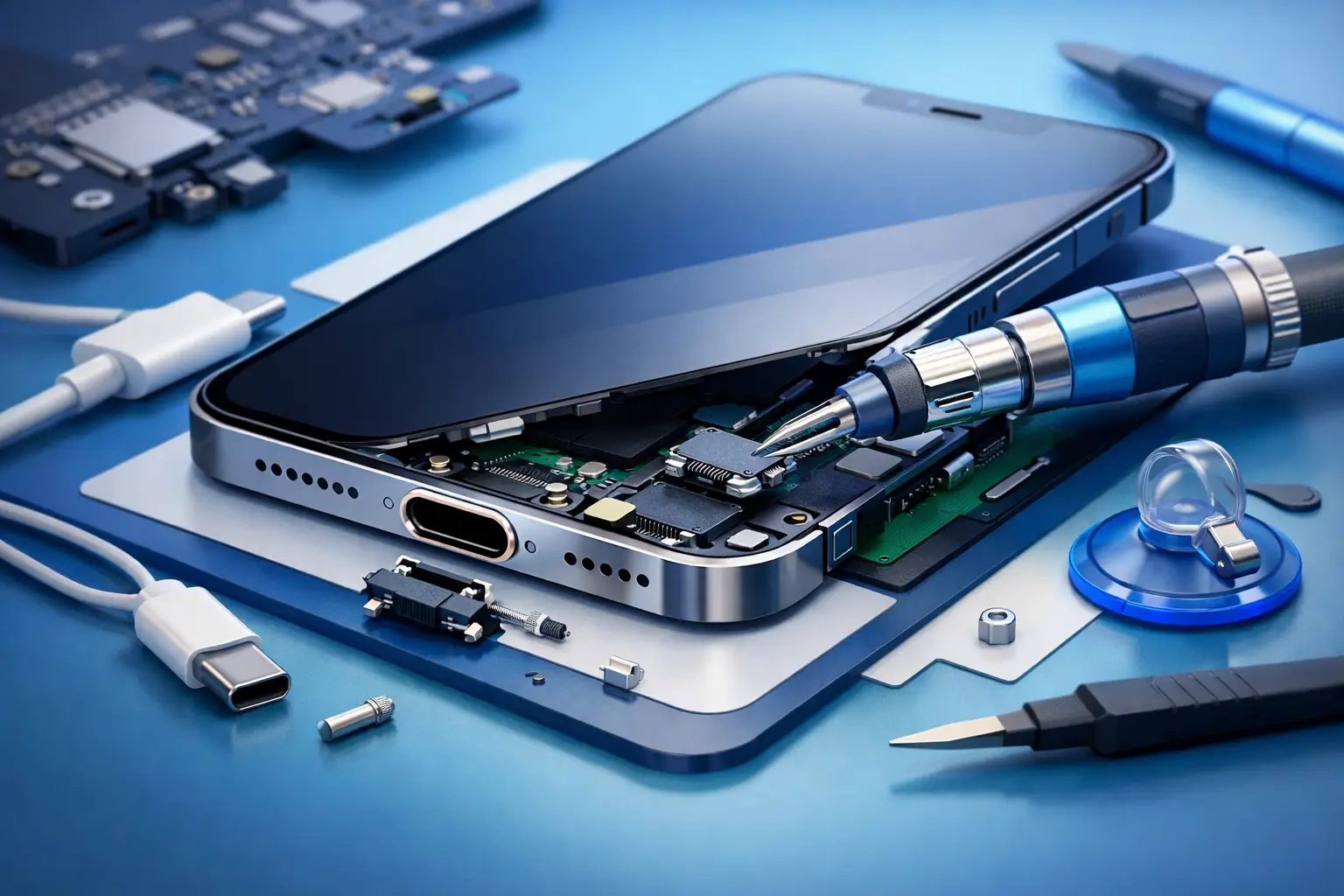
When your phone only charges at a certain angle, keeps disconnecting, or stops responding to the cable completely, the problem usually points to one small part that causes a big headache. iPhone charging port repair becomes urgent fast because once charging turns unreliable, everything else on your device is on a countdown.
For most people, this is not a minor inconvenience. It means missed calls, interrupted work, no maps when you are on the road, and a phone that feels fine in every other way but still cannot stay powered. The good news is that a charging port issue is often fixable, but the right solution depends on what is actually causing the fault.
What causes iPhone charging port problems?
A charging port can fail for a few different reasons, and not all of them mean the part itself is broken. Dust and pocket lint are common culprits. Over time, debris gets packed tightly into the port and prevents the cable from sitting properly. The result is loose charging, slow charging, or a cable that keeps slipping out.
Moisture damage is another major cause. Even small exposure can affect the charging contacts and lead to corrosion inside the port. In some cases, charging may work for a while and then gradually get worse. In others, the phone may stop charging right after exposure.
Wear and tear also matters. If a device is charged several times a day, every day, the port naturally takes stress. Rough cable insertion, using damaged charging cables, or pulling the phone while it is plugged in can speed up that wear. On some devices, the issue is not the port alone but damage to nearby internal components that handle charging and power flow.
Software can also confuse the diagnosis. A phone may appear to have a bad port when the real issue is a system error, battery failure, or accessory detection fault. That is why proper testing matters before any repair starts.
Signs you may need iPhone charging port repair
Some symptoms are obvious, while others are easy to dismiss until the phone stops charging altogether. If your iPhone charges only when the cable is held in a certain position, that is a strong warning sign. If charging starts and stops repeatedly, the port may be loose, dirty, or internally damaged.
You may also notice that the phone is no longer detected by a computer, even though the cable works with other devices. Slow charging, overheating during charging, or a message saying the accessory is not supported can also point to port-related trouble. If wireless charging still works but cable charging does not, that narrows the problem down even further.
These issues do not always get worse overnight, but they rarely fix themselves. Waiting too long can turn a simple repair into a more expensive one, especially if corrosion spreads or repeated charging attempts damage the connector further.
iPhone charging port repair or just cleaning?
This is where many people guess wrong. A blocked port can look exactly like a damaged one from the outside. If lint is packed deep inside, the cable may not click into place, making the connection feel loose. In that case, a professional cleaning may solve the issue quickly without replacing any part.
But if the port pins are bent, burned, corroded, or physically worn out, cleaning will not help for long. The same goes for ports affected by liquid damage. They may briefly respond after drying, then fail again because the internal contact points have already deteriorated.
A proper technician should check the cable fit, inspect the port under magnification, test charging behavior, and rule out battery or board-related issues. That step is important because replacing the wrong part wastes time and money.
Why DIY repair is risky
It is tempting to try a quick fix at home, especially if the problem seems simple. People often use pins, metal tools, or aggressive cleaning methods to remove debris from the port. That can damage the internal pins in seconds. Once those contacts are bent or scratched, the repair becomes more complicated than it needed to be.
DIY replacement is even riskier. iPhones are tightly assembled, and charging components are connected to other sensitive parts. Opening the device without the right tools or experience can lead to screen damage, battery puncture, broken connectors, or Face ID related issues on some models.
The smarter option is accurate diagnosis first. If it only needs cleaning, that is better than replacing parts unnecessarily. If it needs replacement, it should be done with the correct tools and tested properly before the device goes back into daily use.
What happens during professional iPhone charging port repair?
A good repair starts with inspection, not assumptions. The technician checks whether the issue comes from the port, the battery, the cable, the charging IC, or liquid damage. That matters because several charging faults can look the same from the user side.
If the problem is isolated to the charging port assembly, the device is carefully opened and the damaged component is replaced. On some iPhone models, this repair is more involved because the charging port is integrated with other parts such as the microphone or flex assembly. After replacement, the device should be tested for stable charging, cable detection, and overall functionality.
If corrosion or motherboard damage is found, the repair path changes. In those cases, port replacement alone may not solve the issue. This is where experienced hands matter. A rushed repair can miss the deeper fault and send the phone back with the same problem.
How long does iPhone charging port repair take?
It depends on the model and the actual fault. A simple cleaning or straightforward port replacement can often be done quickly. A phone with liquid damage or board-level charging issues will usually take longer because more testing is needed.
For customers, speed matters as much as quality. Most people cannot afford to be without their phone for days, especially when that phone carries work chats, banking apps, photos, and family contacts. That is why fast diagnosis and efficient repair service make a real difference.
In Doha, many customers also care about convenience just as much as repair quality. Taking time off, driving to a workshop, and waiting in line adds frustration to an already urgent problem. A service that can come to you removes a big part of that stress.
Choosing the right repair service in Doha
Not every repair shop handles charging issues with the same level of care. Some jump straight to replacement without checking if cleaning or battery testing would solve it. Others use low-grade parts that may work for a short time and then fail again.
When looking for iphone charging port repair, focus on practical trust signals. You want trained technicians, genuine or high-quality replacement parts, clear diagnosis, and proper post-repair testing. Fast turnaround matters, but it should not come at the cost of careless work.
Convenience should also be part of the service, not an extra benefit. If your phone is essential to your day, doorstep repair or on-location support can save time and reduce downtime. That is one reason many customers in Qatar choose Bayt Al Tech when an iPhone starts charging unreliably. The combination of speed, technician support, and at-your-location service fits how people actually live and work.
How to protect your charging port after repair
Once the phone is working again, a few habits can help the repair last longer. Keep the port clean by avoiding dusty pockets and bags filled with loose debris. Use a good quality cable that fits correctly and do not force the connector into place.
Try not to use the phone aggressively while it is plugged in, especially when the cable is bent sharply at the port. If the device gets exposed to water or humidity, do not keep testing the charger over and over. That can worsen internal damage. Get it checked early instead.
It also helps to pay attention to small warning signs. If charging becomes inconsistent again, do not wait until the battery is nearly impossible to refill. Early action usually means a simpler repair, lower cost, and less disruption to your routine.
A faulty charging port can make a perfectly good iPhone feel unusable, but the right fix is often straightforward once the real cause is identified. If your phone is charging on and off, refusing the cable, or slowing you down at the worst time, getting it checked now is a lot easier than waiting for a full power failure.


3 thoughts on “iPhone Charging Port Repair Explained”