
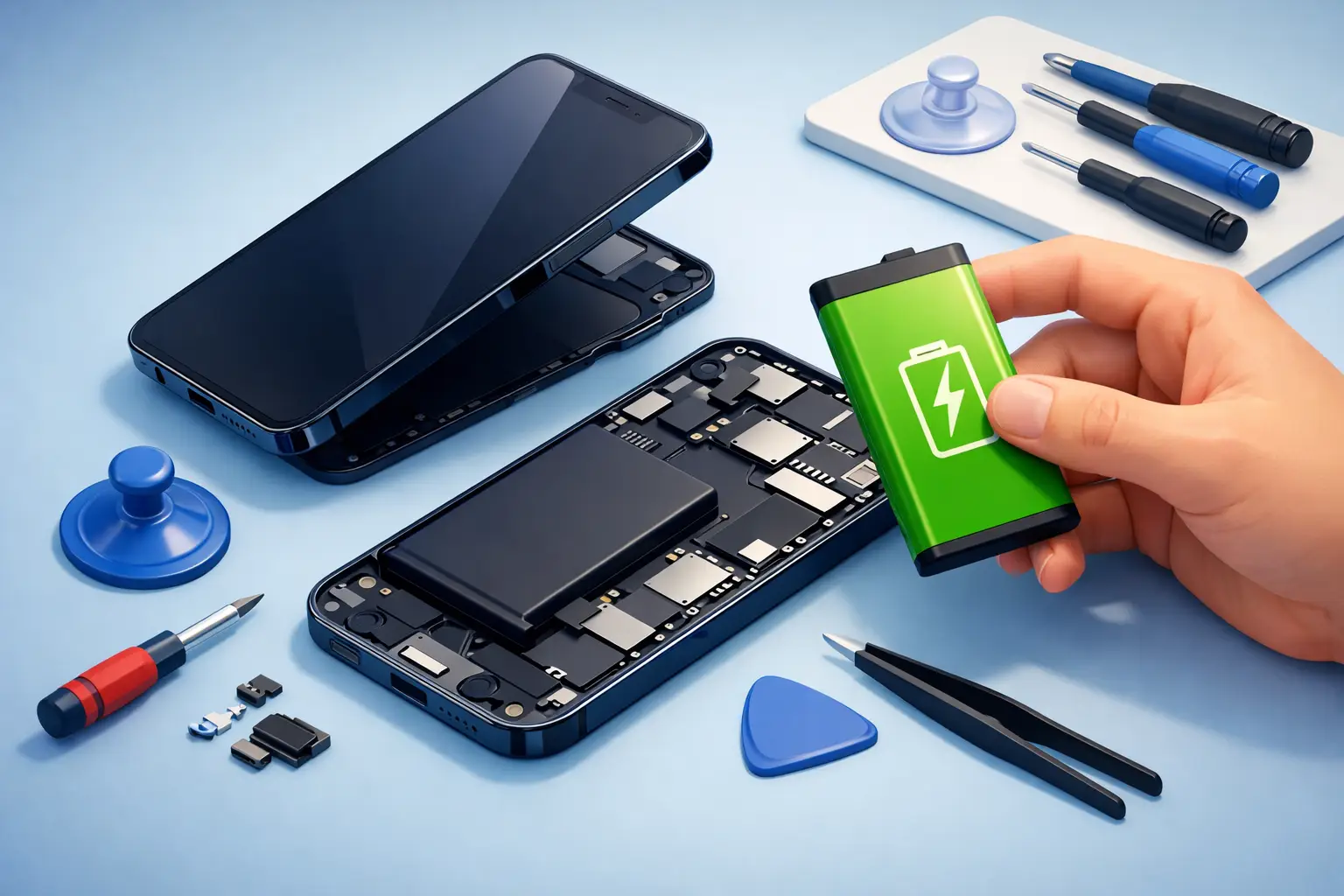
Your iPhone was fine a few months ago. Now it drops from 30% to 5%, gets hot during basic use, or dies the moment you leave the charger. That is usually when people start searching for iphone battery replacement at home and wondering if it is worth doing themselves.
The honest answer is simple: sometimes it can be done, but it is not always the smart shortcut it seems to be. Replacing an iPhone battery at home sounds convenient because you avoid travel, waiting rooms, and repair shop delays. But with modern iPhones, battery work is delicate. One slip can damage the screen, tear a flex cable, weaken water resistance, or leave you with a phone that still has poor battery life because the replacement part was low quality.
Is iPhone battery replacement at home a good idea?
It depends on what you mean by at home. If you mean a trained technician comes to your location with the right tools and a genuine-quality replacement, that can be one of the easiest repair options available. If you mean opening the phone yourself with a mail-order kit and a YouTube video, the risk is much higher.
Most iPhone battery replacements are not complicated for an experienced technician. For a first-time DIY user, though, the job can become expensive fast. iPhones are tightly sealed, adhesive is strong, and internal parts are packed close together. A small mistake is enough to turn a battery issue into a screen repair, charging issue, or face recognition problem.
That is why many people in Doha choose location-based repair instead of pure DIY. You get the convenience of home service without taking on the risk yourself.
Signs your iPhone battery needs replacement
A weak battery is not always dramatic. Sometimes the signs build slowly until the phone becomes unreliable. If your iPhone shuts down early, charges very slowly, drains unusually fast, or feels warm during light tasks, the battery may be worn out.
Another useful clue is Battery Health in iPhone settings. If maximum capacity has dropped well below peak performance and you notice slower response or random shutdowns, replacement is often the fix. Swelling is the most urgent sign. If the screen is lifting or the phone body looks slightly separated, stop using the device and get help immediately. A swollen battery is not something to test at home.
What makes DIY battery replacement risky?
The biggest issue is not removing the old battery. It is opening the phone without causing new damage. iPhone screens connect with fragile internal cables. Adhesive strips under the battery can snap. Screws are tiny and easy to mix up. Even using the wrong amount of pressure can crack the display or damage nearby components.
There is also the quality issue. Not every replacement battery sold online is reliable. Some are lower capacity than advertised. Some work for a while, then start draining fast or overheating. Others may trigger warning messages or fail to deliver stable performance. The part matters just as much as the labor.
Then there is resealing. After a battery replacement, the phone should be closed properly so dust and moisture are less likely to get inside. A casual DIY repair often ends with a phone that technically turns on, but no longer has the same fit, finish, or protection.
If you still want iphone battery replacement at home, know what is involved
If you are determined to do it yourself, go in with realistic expectations. You need more than a battery. You need the correct screwdriver set, opening tools, adhesive replacement, careful heat application, and a clean work surface. You also need patience. This is not a repair to rush between meetings.
You should back up your data first. Power the phone down fully. Work in good lighting. Keep screws organized exactly as removed because the wrong screw in the wrong place can damage the phone internally. If the battery is swollen, stop and do not continue.
Even when everything goes well, some models may still show battery-related messages after replacement depending on the part and installation method. That does not always mean the battery is bad, but it does mean the result may not feel as clean as a professional repair.
Why professional at-home battery service makes more sense for most people
For most users, the real goal is not to become a repair expert. It is to get the phone working properly again, quickly and safely. That is where professional home service makes a big difference.
A trained technician can handle the opening process, install a proper replacement, test charging and battery performance, and complete the job without you leaving your home or office. That saves time, reduces risk, and gives you a clear answer if the problem is not the battery at all. Sometimes poor battery life is tied to software issues, charging faults, or background app behavior. A technician can spot that before unnecessary parts are fitted.
This approach is especially helpful for people who rely on their phone all day – business users, students, parents, drivers, and anyone who cannot afford downtime. Convenience matters, but reliability matters more.
How to choose the right repair option
The cheapest option is not always the most affordable once you include risk. A low-cost DIY kit may look attractive until something goes wrong. A professional service may cost more upfront, but it usually covers proper installation, better-quality parts, and a much lower chance of follow-up problems.
Ask a few practical questions before you decide. Is the replacement battery high quality? Is the technician experienced with iPhones specifically? Will the device be tested after repair? Can the service come to your location? These details matter more than a small price difference.
If your phone is older and already worn, some people accept more risk with DIY. If your device is newer, in strong condition, or still essential for work and personal use, professional handling is usually the safer call.
Common mistakes people make with iPhone battery issues
One common mistake is replacing the battery when the real problem is the charger, cable, charging port, or software. Another is waiting too long after the battery starts swelling or the phone begins overheating. People also underestimate how much damage can happen during opening, especially on models with tightly fitted screens and stronger adhesive.
A bigger mistake is assuming all batteries are equal. They are not. Battery quality affects runtime, stability, heat, and long-term performance. A poor battery can make a phone feel unreliable even after a fresh install.
When you should not try it yourself
Do not attempt home replacement on your own if the battery is swollen, the phone has previous internal damage, the screen is already cracked, or the device has had water exposure. Those cases need extra care because the repair is no longer routine.
You should also avoid DIY if you do not have the tools, the time, or the confidence to work slowly. There is nothing wrong with that. Most people are not supposed to know how to open and reseal an iPhone. The smart move is choosing the option that protects your device and your time.
For customers who want speed without the hassle, services like https://www.baytaltech.qa make more sense than trial-and-error repair at the kitchen table. You get the convenience people want from iphone battery replacement at home, but with trained support and less risk.
The real question is convenience or control
DIY battery replacement gives you control, but it also gives you full responsibility if something goes wrong. Professional at-home service gives you convenience and accountability. For most iPhone users, especially anyone with a busy day, that trade-off is easy.
If your battery is draining fast, your phone is shutting down unexpectedly, or the device is no longer lasting through the day, act early. Battery problems rarely improve on their own. The right fix is the one that gets your iPhone back to normal without adding a bigger repair to the story.
A battery replacement should make life easier, not turn into a weekend repair problem you did not ask for.


1 thought on “iPhone Battery Replacement at Home Guide”