
GTA 6 PS5 Overheating? Causes, Warning Signs & How to Fix It
Grand Theft Auto VI (GTA 6) has finally arrived, bringing an incredible open-world gaming experience to PlayStation 5 players. With its detailed graphics, expansive environment and demanding gameplay, players are spending hours exploring Vice City and the world of Leonida.
However, some PlayStation owners are concerned about their consoles becoming unusually hot, producing loud fan noise, freezing or shutting down while playing demanding games.
Are you experiencing PS5 overheating while playing GTA 6? Is your PlayStation 5 fan becoming louder than usual, or does your console suddenly turn off during gameplay?
These symptoms can indicate a cooling problem that needs attention.
In this guide, Bayt Al Tech explains the possible causes of GTA 6-related PS5 overheating concerns, how to identify the warning signs, what you can safely do at home and when professional PlayStation repair may be necessary.
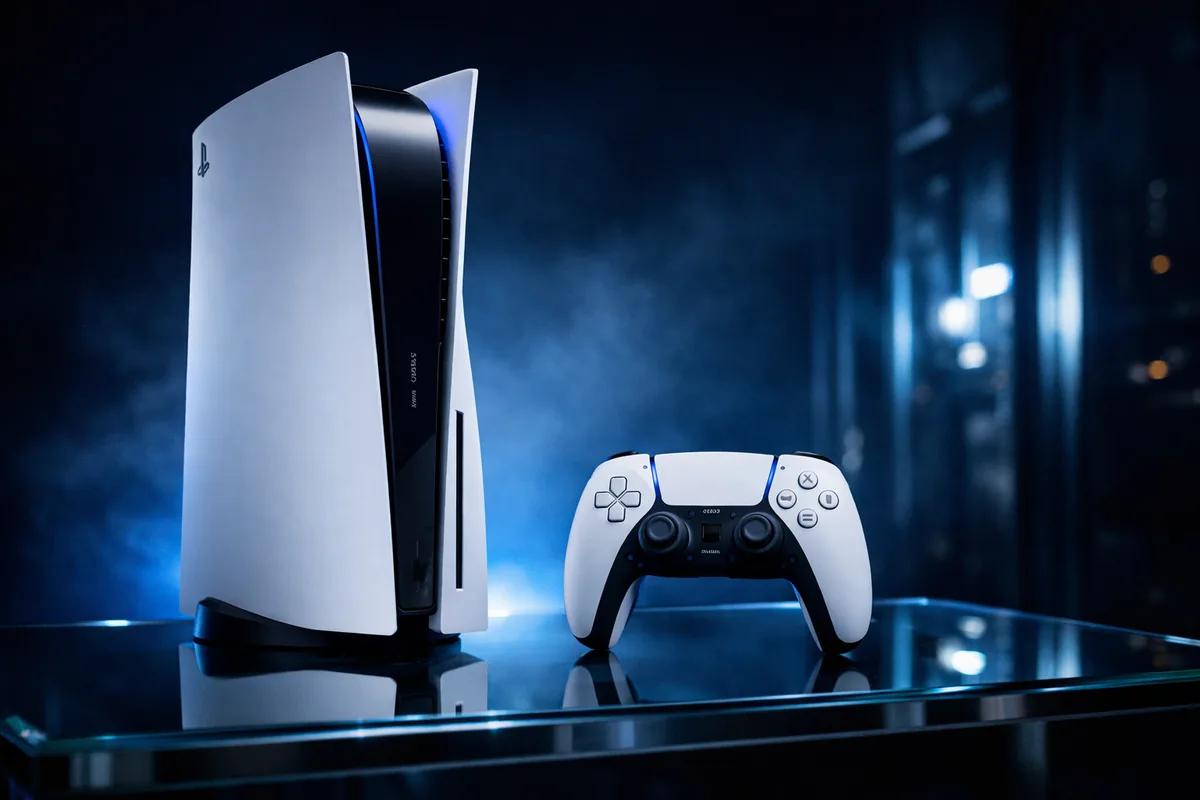
Why Does My PS5 Overheat While Playing GTA 6?
The PlayStation 5 is designed with an advanced cooling system that manages heat generated by its processor, graphics components and other internal hardware.
When playing graphically demanding games, the cooling fan may work harder to maintain a safe operating temperature.
However, if your PS5 is already affected by dust accumulation, restricted airflow or an internal cooling problem, extended gaming sessions may make the symptoms more noticeable.
It is important to understand that loud fan noise does not automatically mean your PS5 is overheating. Sony explains that the fan may become louder during certain games because it is working harder to cool the system.
Here are some possible reasons your PS5 may experience overheating symptoms while playing GTA 6.
1. Dust Accumulation Inside the PS5
Dust accumulation is one of the most common causes of PlayStation overheating.
Over time, dust, lint and other particles can collect around the cooling fan, heatsink and internal ventilation channels.
When these components become clogged, the cooling system cannot circulate air efficiently. As a result, heat may accumulate inside the console.
Common symptoms include:
PS5 fan becoming unusually loud.
Console becoming excessively hot.
Overheating warnings appearing on the screen.
Sudden shutdowns during gaming.
Solution:
Start by checking the external ventilation openings for dust. Turn off and unplug your PS5 before cleaning the exterior vents.
If dust has accumulated deep inside the cooling system, professional internal cleaning may be necessary.
At Bayt Al Tech, we provide professional PS5 cleaning and overheating repair services to help restore proper airflow and cooling performance.
2. Poor Airflow and Improper Console Placement
Where you place your PlayStation 5 can significantly affect its cooling performance.
Keeping your PS5 inside a closed TV cabinet, against a wall or in a cramped entertainment unit can restrict airflow.
The console needs sufficient space to draw in cool air and release hot air.
Common mistakes include:
Placing the PS5 inside a closed cabinet.
Keeping the console too close to walls.
Placing it on thick carpets.
Blocking the rear or side ventilation openings.
Keeping it near other heat-producing devices.
Solution:
Follow these simple ventilation recommendations:
Keep at least 10 cm of free space around the console.
Place it on a hard, flat surface.
Avoid enclosed cabinets and restricted spaces.
Keep the ventilation openings free from dust.
Avoid direct sunlight and other heat sources.
Proper ventilation can help your PS5 maintain a suitable operating temperature during long gaming sessions.
3. Thermal Liquid Metal or Cooling System Problems
The PS5 uses liquid metal as a thermal interface material to transfer heat away from its main processor.
Over time, problems with the liquid metal contact, uneven distribution or other cooling-system components may affect heat transfer.
This can become particularly noticeable during extended gaming sessions.
Possible warning signs include:
Overheating warnings during demanding games.
Unexpected shutdowns.
Excessive heat despite clean external vents.
Cooling problems that continue after changing the console’s location.
Solution:
A technician should inspect the cooling system and determine whether the liquid metal requires attention.
Unlike ordinary external cleaning, liquid metal servicing requires specialised knowledge and careful handling. Incorrect application can damage the motherboard.
Do not attempt to open the console and replace the liquid metal yourself unless you have the necessary technical experience and equipment.
4. Faulty Cooling Fan
The cooling fan plays an essential role in maintaining the PS5’s operating temperature.
If the fan becomes damaged, obstructed or develops a mechanical fault, the console may struggle to remove heat effectively.
Signs of a faulty PS5 fan include:
Unusual grinding or clicking sounds.
Fan not spinning properly.
Excessive noise during normal gameplay.
Overheating warnings.
Unexpected console shutdowns.
Solution:
First, check whether the external ventilation openings are obstructed.
If the noise continues, the fan should be inspected by a professional technician. Depending on its condition, cleaning or fan replacement may be required.
5. Long Gaming Sessions and High Room Temperature
Playing GTA 6 for several hours continuously can increase the workload on your PS5.
In Qatar, high surrounding temperatures can also make it more difficult for the console to release heat, particularly when ventilation is restricted.
This does not mean that long gaming sessions automatically damage your console. However, an already compromised cooling system may struggle under prolonged use.
Solution:
Play in a properly ventilated, air-conditioned room.
Avoid placing the console near heat sources.
Give the console time to cool if it displays an overheating warning.
Keep its ventilation openings unobstructed.
Avoid continuing gameplay when the system displays a temperature warning.
What Are the Warning Signs of PS5 Overheating During GTA 6?
Recognising overheating symptoms early can help prevent further hardware problems.
Look out for these warning signs:
| Warning sign | What it may indicate |
|---|---|
| Loud fan noise | Increased cooling demand or fan problems |
| Overheating message | System temperature is too high |
| Sudden shutdown | Possible thermal protection or power issue |
| Game freezing | Software or hardware-related problem |
| Excessive heat | Cooling or ventilation problem |
Remember that a warm console, occasional fan noise or an isolated game crash does not necessarily indicate hardware damage.
If your PS5 repeatedly shuts down or displays overheating warnings, stop playing and allow it to cool down.
How to Fix PS5 Overheating While Playing GTA 6
Before booking a repair, try these safe troubleshooting steps.
Step 1: Turn Off Your PS5
If you receive an overheating warning, save your progress if possible, turn off the console and allow it to cool down.
Do not continue playing while the warning is displayed.
Step 2: Check the Ventilation
Move your PS5 to an open location with sufficient space around its ventilation openings.
Avoid closed cabinets and carpeted surfaces.
Step 3: Clean External Vents
Disconnect the power cable before cleaning. Use a soft brush or low-powered vacuum to remove dust around the external air vents.
Avoid inserting objects deep into the console.
Step 4: Update Your PS5 System Software
Go to:
Settings → System → System Software → System Software Update and Settings.
Check whether a system update is available and install it.
Step 5: Check for GTA 6 Game Updates
Make sure GTA 6 is running the latest available game version.
Game updates may address software bugs, crashes and stability problems.
Step 6: Check for Persistent Hardware Problems
If the overheating warning, loud fan noise or unexpected shutdown continues, the problem may involve internal dust, the cooling fan, liquid metal or another hardware component.
At this stage, professional diagnosis is recommended.
Does GTA 6 Damage the PS5?
No. There is currently no confirmed evidence that GTA 6 itself damages PlayStation 5 hardware simply by being played.
A demanding game can make the cooling system work harder, but a properly functioning console is designed to manage its operating temperature.
If your PS5 experiences repeated overheating warnings or shutdowns, the underlying cause should be investigated rather than assuming the game is damaging the console.
Also, remember that game crashes and overheating are different problems. A software crash does not automatically mean your PS5 has a cooling-system failure.
When Should You Get Professional PS5 Repair?
Some PlayStation problems cannot be resolved through basic cleaning or changing console placement.
You should consider professional diagnosis if:
Your PS5 repeatedly displays overheating warnings.
The console shuts down during gameplay.
The cooling fan makes unusual mechanical noises.
The console overheats even in a properly ventilated area.
External cleaning does not improve the problem.
You notice persistent performance or stability problems alongside overheating symptoms.
Continuing to use a console that repeatedly shuts down due to overheating may increase the risk of further damage.
Professional PS5 Overheating Repair in Qatar – Bayt Al Tech
Experiencing PS5 overheating while playing GTA 6? Bayt Al Tech provides professional PlayStation repair and maintenance services in Qatar.
Our technicians diagnose cooling-related problems and identify the actual cause before recommending a repair.
Our PlayStation repair services include:
PS5 Internal Cleaning: Removing accumulated dust from the cooling system and internal components.
Cooling Fan Repair: Inspecting and addressing faulty or noisy cooling fans.
Liquid Metal Inspection: Checking the thermal interface and addressing cooling-related problems when necessary.
PS5 Power Issues: Diagnosing unexpected shutdowns and power-related faults.
Hardware Diagnosis: Identifying internal component problems affecting console performance.
We provide repair services for PS5, PS5 Slim, PS5 Pro and PS4 consoles.
Whether your console is overheating, making unusual noises, shutting down or experiencing other hardware problems, our technicians can help identify the issue.
We also provide convenient pickup and delivery options across Qatar.
Don’t let overheating interrupt your gaming experience!
Contact Bayt Al Tech for professional PlayStation overheating diagnosis and repair.
Call or WhatsApp: +974 51081008
Frequently Asked Questions (FAQs)
1. Why does my PS5 overheat when playing GTA 6?
Your PS5 may overheat due to dust accumulation, restricted airflow, cooling fan problems, liquid metal issues or high surrounding temperatures. A professional inspection can identify the exact cause.
2. Is it normal for the PS5 fan to become loud while playing GTA 6?
Yes. The fan may become louder during demanding games because it needs to remove additional heat. However, unusually loud or grinding noises, especially with overheating warnings, should be investigated.
3. How do I stop my PS5 from overheating?
Keep your console in an open, ventilated location, maintain at least 10 cm of clearance around it, clean external vents and avoid placing it inside closed cabinets. If overheating continues, seek professional cleaning and diagnosis.
4. Can dust inside my PS5 cause sudden shutdowns?
Yes. Excessive dust accumulation can restrict airflow and reduce cooling efficiency. If the console becomes too hot, its thermal protection may cause it to shut down.
5. How often should I clean my PS5?
Cleaning frequency depends on your environment and usage. Consoles used regularly in dusty environments may require more frequent cleaning and inspection.
6. Can I use an external cooling fan to prevent PS5 overheating?
An additional cooling accessory is not always necessary. Poor-quality or incorrectly designed accessories may interfere with the console's airflow. Proper ventilation and a clean internal cooling system are more important.
7. Where can I repair an overheating PS5 in Qatar?
Bayt Al Tech offers professional PlayStation overheating diagnosis, internal cleaning and hardware repair services in Qatar, with pickup and delivery options available.Contact +974 51081008 to discuss your PS5 problem and arrange a service.
