
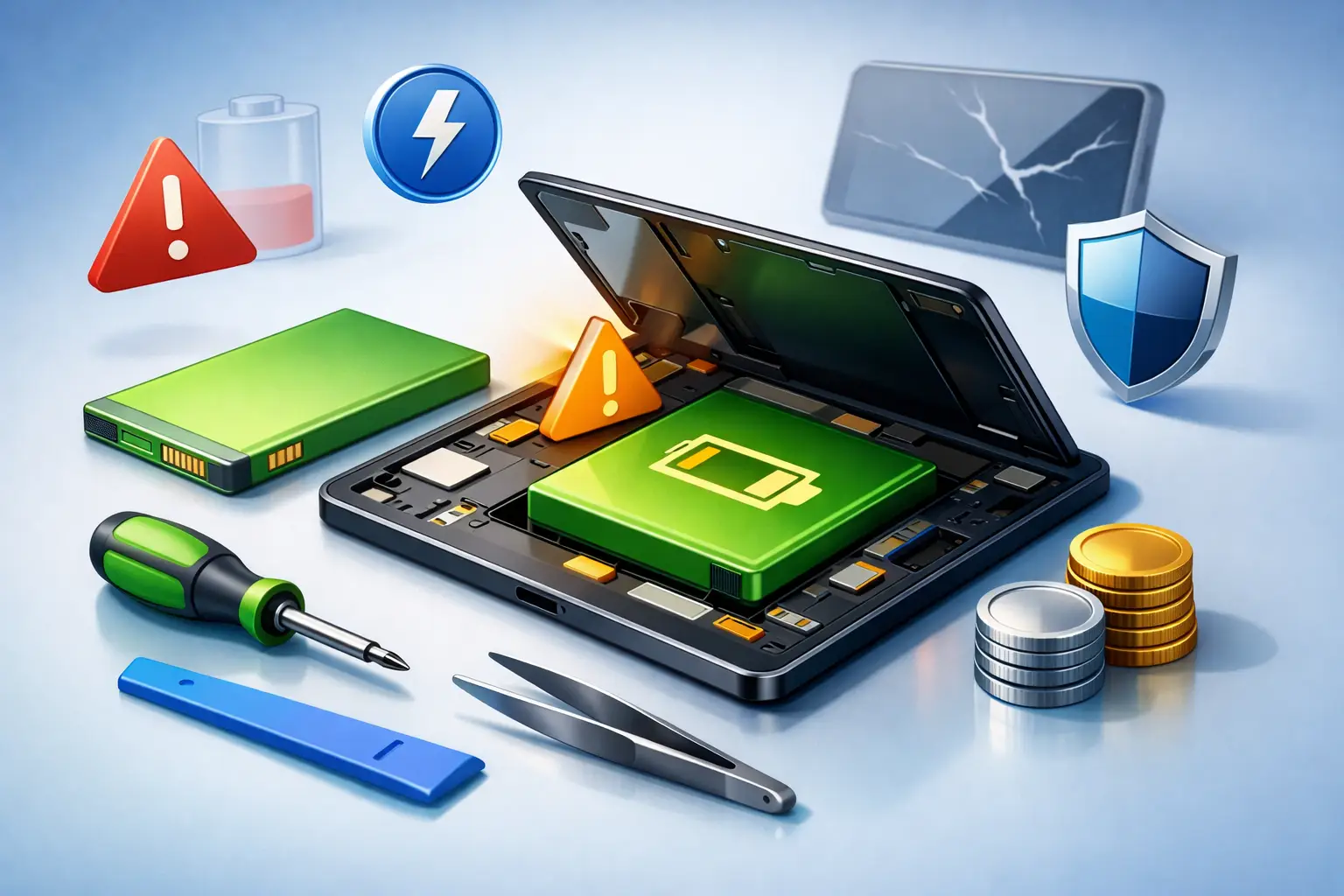
A tablet that drops from 40% to 8% in minutes is not just annoying – it disrupts work, school, streaming, video calls, and everything else you rely on it for. That is usually the point when tablet battery replacement moves from a maybe-later task to something you need to handle quickly.
For most people, the problem starts gradually. The tablet takes longer to charge, runs hot during simple tasks, or shuts down before the battery reaches 0%. Then one day it cannot hold enough power to get through a meeting, a class, or a flight. When that happens, replacing the battery is often the most practical fix, especially if the screen, processor, and storage are still doing their job well.
When tablet battery replacement makes sense
A worn battery does not always mean the whole device is finished. In many cases, the tablet itself is still perfectly usable, but the battery has reached the end of its normal life cycle. Rechargeable batteries degrade over time, and that wear shows up faster when the device is used heavily, charged frequently, or exposed to heat.
If your tablet is only a few years old and still meets your needs, a battery replacement can save money compared with buying a new device. This is especially true for premium tablets, business tablets, and family tablets used for school or entertainment. Replacing the battery can restore dependable daily use without forcing you to transfer data, buy new accessories, or learn a new device.
There are cases where replacement may not be the best move. If the tablet also has motherboard issues, severe liquid damage, charging port failure, or an outdated operating system that no longer supports the apps you need, the repair decision becomes less simple. Battery replacement helps with power-related problems, but it will not fix every performance issue.
Common signs your tablet battery is failing
Battery wear rarely appears as one dramatic event at first. It usually builds through a pattern of frustrating symptoms.
Fast battery drain is one of the clearest warning signs. If a full charge disappears much faster than it used to, even during light use, the battery may no longer be holding proper capacity. Sudden shutdowns are another strong clue. A tablet that turns off at 20% or 30% is often struggling with battery stability, not just battery percentage accuracy.
Slow charging can also point to battery trouble, although this depends on the charger, cable, and charging port too. If charging accessories are fine but the tablet still takes much longer than normal to fill up, the battery may be aging. Overheating during basic tasks like browsing, reading, or watching videos is another signal worth taking seriously.
The most urgent sign is battery swelling. If the screen starts lifting, the back panel bulges, or the tablet no longer sits flat, stop using it and get it checked right away. A swollen battery is not something to ignore or postpone.
Battery issue or something else?
Not every power problem means you need a new battery. Sometimes a damaged charging port, poor-quality charger, software bug, or background app activity creates symptoms that feel battery-related. That is why proper inspection matters.
A good technician will check whether the issue is actually the battery or another component causing charging or power failure. This saves time and helps avoid paying for the wrong repair.
What happens during a tablet battery replacement
Many people assume battery replacement is quick and simple on every tablet. In reality, it depends on the model. Some tablets are built in a repair-friendly way, while others are sealed tightly with adhesive and delicate internal parts.
The process usually involves opening the device carefully, disconnecting the old battery, removing adhesive, fitting a compatible replacement battery, testing charging behavior, and reassembling the tablet without damaging the screen or frame. On some models, this takes precision because the battery sits close to display cables or sensitive internal components.
That is why tablet battery replacement should be handled by trained technicians using the right tools and quality parts. A rushed repair can create new issues, including screen damage, weak sealing, charging faults, or poor battery performance after installation.
Why part quality matters
Not all replacement batteries perform the same. Low-grade batteries may be cheaper upfront, but they often deliver inconsistent charge levels, shorter lifespan, or higher risk of swelling and overheating.
Using genuine or high-quality compatible parts matters because the battery affects the entire device experience. A proper replacement should give you stable power, safe charging, and reliable daily use. It is one of those repairs where cutting corners usually costs more later.
How much does tablet battery replacement cost?
The cost depends on the tablet brand, model, battery type, and repair complexity. Premium tablets generally cost more to repair because parts are more expensive and the opening process can be more delicate. Older or less common models may also vary in price depending on battery availability.
Labor is another factor. A basic battery swap on a straightforward model is not the same as opening a tightly sealed tablet with fragile display layers. If the repair includes diagnosis, safe disassembly, adhesive replacement, and post-repair testing, that value matters.
The cheapest option is not always the best option. If the battery is poor quality or the repair is done carelessly, you may end up with shorter battery life, device damage, or the need for another repair soon after. For most customers, the better question is not just what it costs today, but whether the repair gives dependable use afterward.
Repair now or replace the tablet?
This decision comes down to age, condition, and how you use the device. If your tablet is still fast enough for your daily tasks and the only serious issue is poor battery life, replacement usually makes sense. It is a practical way to extend the value of a device you already know and use comfortably.
If the tablet has multiple problems at once, the math changes. A weak battery plus a cracked display, charging issue, and software limitations may push you closer to replacement. The same applies if the device is so old that app support or security updates are already becoming a problem.
For many users, though, battery replacement is the smarter middle ground. It restores portability and convenience without the full cost of buying a new tablet.
Why fast service matters for tablet battery replacement
Most people do not notice how dependent they are on their tablet until it stops lasting through the day. Students need it for classwork and research. Professionals use it for presentations, notes, email, and meetings. Families rely on it for streaming, learning apps, and keeping kids occupied on the go.
That is why repair speed matters. The longer your tablet is down, the more inconvenient the problem becomes. Fast diagnosis, trained handling, and convenient service can make the difference between a manageable repair and a major disruption.
For customers in Doha, Bayt Al Tech focuses on exactly that kind of convenience – quick response, trained technicians, quality parts, and support that can come to your location when needed. For many tablet owners, that matters just as much as the repair itself.
How to help your new battery last longer
Once the battery is replaced, a few habits can help preserve its health. Heat is one of the biggest causes of battery stress, so avoid leaving the tablet in a hot car or under direct sun for long periods. Using a reliable charger also helps, because unstable power can affect charging performance over time.
It also helps to avoid constant deep draining. You do not need to panic about the percentage every day, but regularly running the battery all the way to empty can add wear. If your tablet gets unusually hot during gaming, streaming, or charging, let it cool down rather than pushing through it.
Software matters too. Background apps, outdated firmware, or settings that keep the screen at maximum brightness all the time can make a healthy battery seem worse than it is. A good repair experience should include basic testing so you know the battery is working as it should.
Choosing a repair service you can trust
Tablet battery replacement is not only about putting in a new part. It is about opening an expensive device safely, diagnosing the real problem, using dependable components, and making sure the tablet works properly after repair.
That means trust should come before bargain pricing. Look for a service that handles your tablet brand confidently, explains the issue clearly, and stands behind the quality of its parts and workmanship. Convenience matters too, especially when you cannot afford extra downtime or unnecessary travel.
A failing battery can make a good tablet feel useless, but the right repair can bring it back to everyday life faster than most people expect. If your tablet is draining fast, shutting down early, or showing signs of swelling, getting it checked sooner is usually the smart move.


