
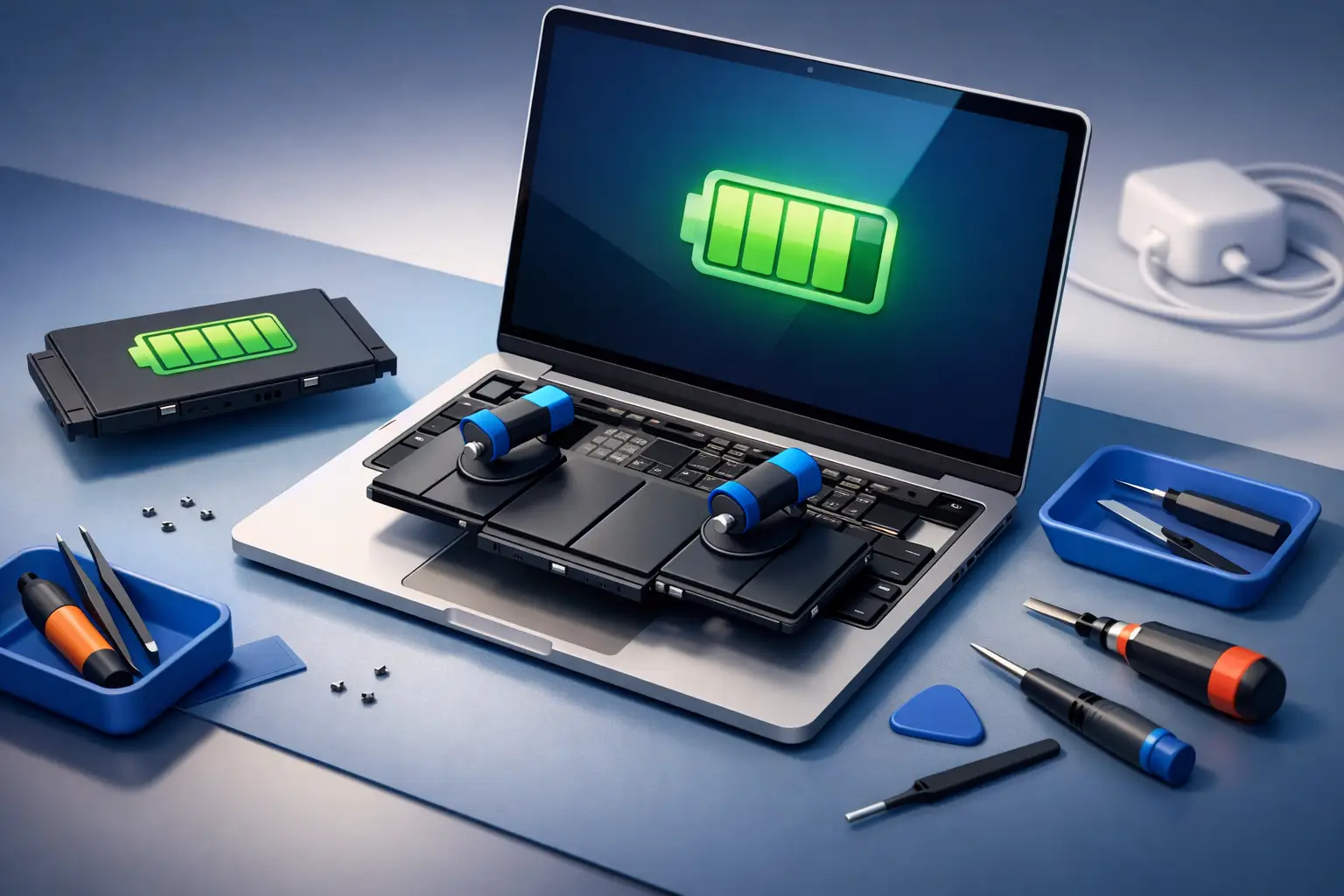
Your MacBook used to last through meetings, classes, flights, and late-night work. Now it drops from 40% to 8% without warning, runs hot on simple tasks, or dies the moment you unplug it. If that sounds familiar, macbook battery replacement is usually the fix – and waiting too long often turns a manageable repair into daily frustration.
When macbook battery replacement is the right move
Laptop batteries do not fail all at once in every case. More often, they wear down gradually. You start charging more often, then carrying the charger everywhere, then adjusting your day around the nearest power outlet. For a lot of users, that slow decline makes it easy to put off service longer than they should.
A healthy MacBook battery should hold charge predictably and support normal daily use without dramatic drops. When the battery becomes unreliable, your MacBook stops feeling portable. That matters whether you use it for business, study, creative work, or basic home use.
Some signs are obvious. Your MacBook may show a service battery warning, shut down unexpectedly, or refuse to charge normally. Other signs are less dramatic but still point to battery wear, like rapid drain during light use, a device that gets unusually warm, or performance that feels reduced when running on battery power.
In some cases, physical swelling becomes the bigger issue. If the trackpad feels raised, the bottom case looks uneven, or the keyboard area seems lifted, stop using the device and get it checked immediately. A swollen battery is not something to monitor for a few more weeks. It is a repair priority.
Why MacBook batteries wear out faster than people expect
Every rechargeable battery has a limited lifespan. Charging cycles, heat, age, and usage habits all contribute to decline. Even careful users eventually reach the point where replacement makes more sense than trying to squeeze out a few extra months.
Heavy multitasking, constant charging, long workdays, and hot environments can speed up battery wear. So can using the wrong charger or continuing to use a battery that is already showing signs of failure. For users who rely on their MacBook every day, battery health drops can feel sudden simply because the device is under real pressure all the time.
There is also a practical issue people overlook. Once battery health falls far enough, the problem is not just shorter runtime. The whole experience changes. You become less confident carrying the MacBook without a charger, less productive on the move, and more likely to deal with interruptions at the worst possible time.
MacBook battery replacement vs buying a new laptop
A weak battery does not automatically mean the whole MacBook is finished. That is one of the most common and expensive assumptions people make.
If your screen, keyboard, motherboard, storage, and overall performance are still in good shape, replacing the battery can restore the part of the experience you miss most – reliable portability. For many users, that is enough to make the device useful again for work, school, and everyday tasks.
Of course, it depends on the model and the overall condition. If the MacBook is very old, has multiple issues, or already needs major repairs in other areas, a broader cost comparison may make sense. But if the main complaint is poor battery life, replacement is often the most practical option.
What happens during a macbook battery replacement
Most customers do not care about repair jargon. They want to know three things: what is wrong, how long it will take, and whether the device will be safe in the right hands.
A proper battery replacement starts with diagnosis. That matters because charging problems are not always caused by the battery alone. Sometimes the issue involves the charging port, power management system, or internal board-level faults. Replacing the battery without checking the full picture can waste time and money.
Once the battery is confirmed as the issue, the old unit is carefully removed and a compatible replacement is installed. On many MacBook models, this is a delicate repair that should be handled by trained technicians with the correct tools. Internal components are tightly packed, and careless handling can create new problems.
After installation, the device should be tested for charging behavior, power stability, battery recognition, and overall operation. The goal is not just to fit a new part. The goal is to return the MacBook in dependable working condition.
Why genuine parts and expert handling matter
Battery replacement is one of those repairs that looks simple from the outside but can go wrong quickly with low-quality parts or rushed work. A cheap battery may hold less charge than expected, wear out early, trigger warnings, or affect thermal performance. In the worst cases, poor-quality batteries can become a safety risk.
That is why part quality matters as much as the repair itself. Genuine or high-grade compatible parts help protect performance, charging consistency, and long-term reliability. For MacBook users who depend on their device every day, that difference is not minor.
Expert handling matters too. Adhesives, internal connectors, trackpad alignment, and power calibration all require care. A trained repair team reduces the chance of cosmetic damage, loose fitting, charging issues after replacement, or preventable internal faults.
How long does MacBook battery replacement take?
Repair time depends on the MacBook model, battery condition, and whether there are related issues found during diagnosis. Some replacements are straightforward. Others take longer because the battery is heavily adhered, swollen, or the device also has charging or power-related faults.
For most customers, speed matters because laptop downtime means missed work, delayed study, and disrupted routines. That is why fast diagnosis and efficient repair handling make such a difference. You should not have to lose your whole week over a battery problem.
For users in Doha, convenience is often just as important as speed. Bayt Al Tech focuses on reducing that hassle with fast support and at-your-location service options that help customers get repairs handled without unnecessary travel or waiting.
Cost factors to know before you book
There is no single flat price for every MacBook battery repair because different models use different battery designs and repair complexity varies. A newer MacBook, a Retina model, or a battery that requires more labor to remove can affect the final cost.
What matters more than finding the lowest number is understanding what is included. Ask whether the quoted service covers diagnosis, part quality, installation, testing, and support after repair. A low upfront price can become expensive if the part quality is poor or the job needs to be redone.
For most users, the real value is simple: a repair that solves the problem properly, protects the device, and gets them back to normal use quickly.
Signs you should not delay battery service
Some battery issues are annoying. Others are urgent. If your MacBook only lasts a short time off charger, booking service soon is smart. If the laptop is swelling, overheating badly, shutting down unexpectedly, or failing to power on consistently, book service immediately.
Delays can increase the chance of secondary damage. A swollen battery can press against internal components. Repeated unstable shutdowns can interrupt work and create data risk. A battery that no longer behaves normally should not be treated as a small inconvenience.
Choosing the right repair provider
When people search for MacBook repair, they are usually comparing more than just price. They want confidence. They want to know their device will be handled by someone who understands Apple hardware, uses the right parts, and respects how urgent the repair feels.
That means looking for a provider with experience in MacBook repairs, clear communication, and a reputation for fast turnaround. Convenience also matters. If you are balancing work, family, or classes, a repair service that makes the process easier is not a luxury. It is part of the value.
A good repair experience should feel straightforward from the first conversation. You explain the issue, get a realistic assessment, approve the repair, and receive your MacBook back ready to work the way it should.
If your laptop battery is forcing you to plan your day around a charger, that is already your sign. A dependable MacBook should support your routine, not interrupt it – and the right battery replacement gets you back to using it with confidence.


